Included with every listing
Empty rooms,
staged by AI.
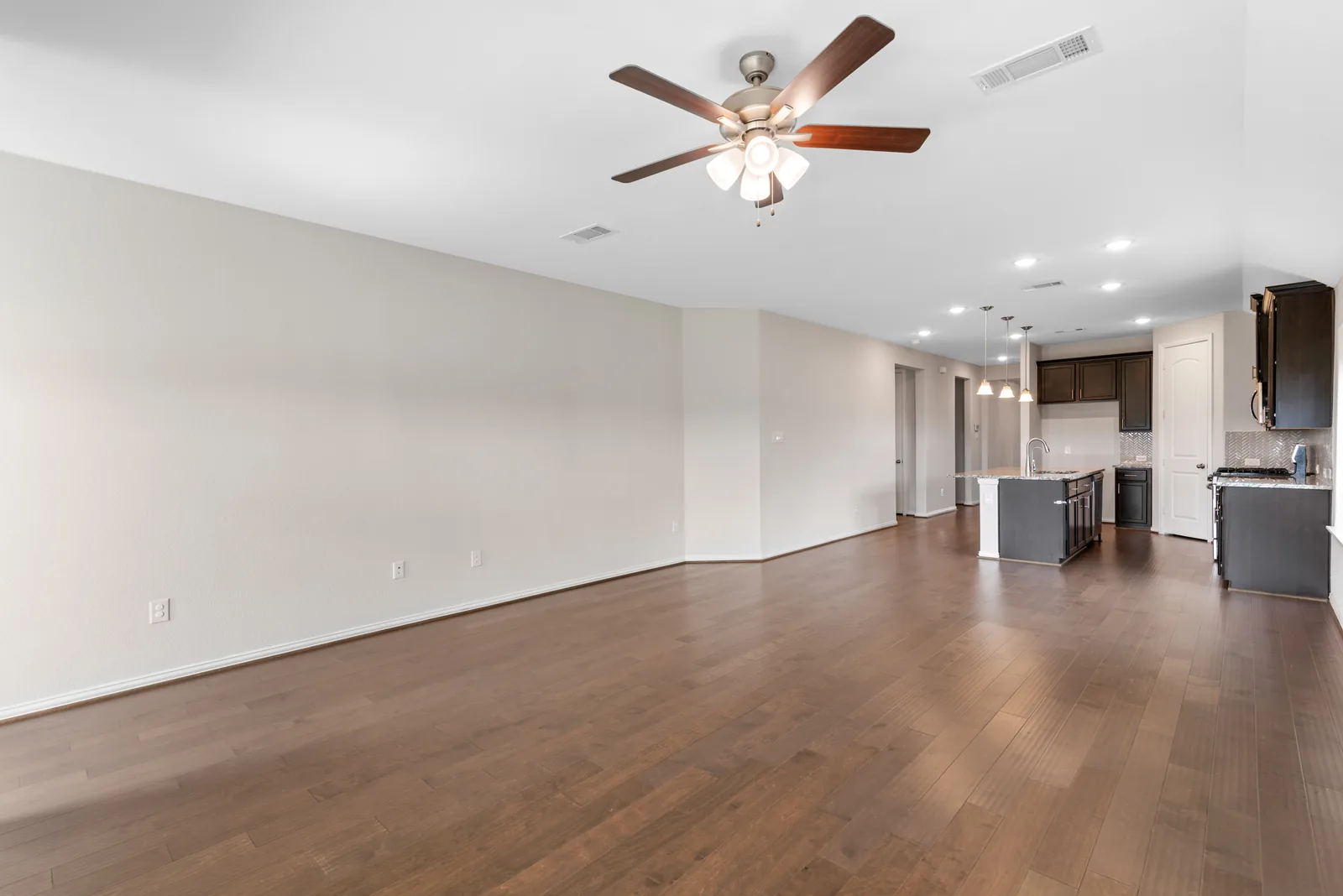
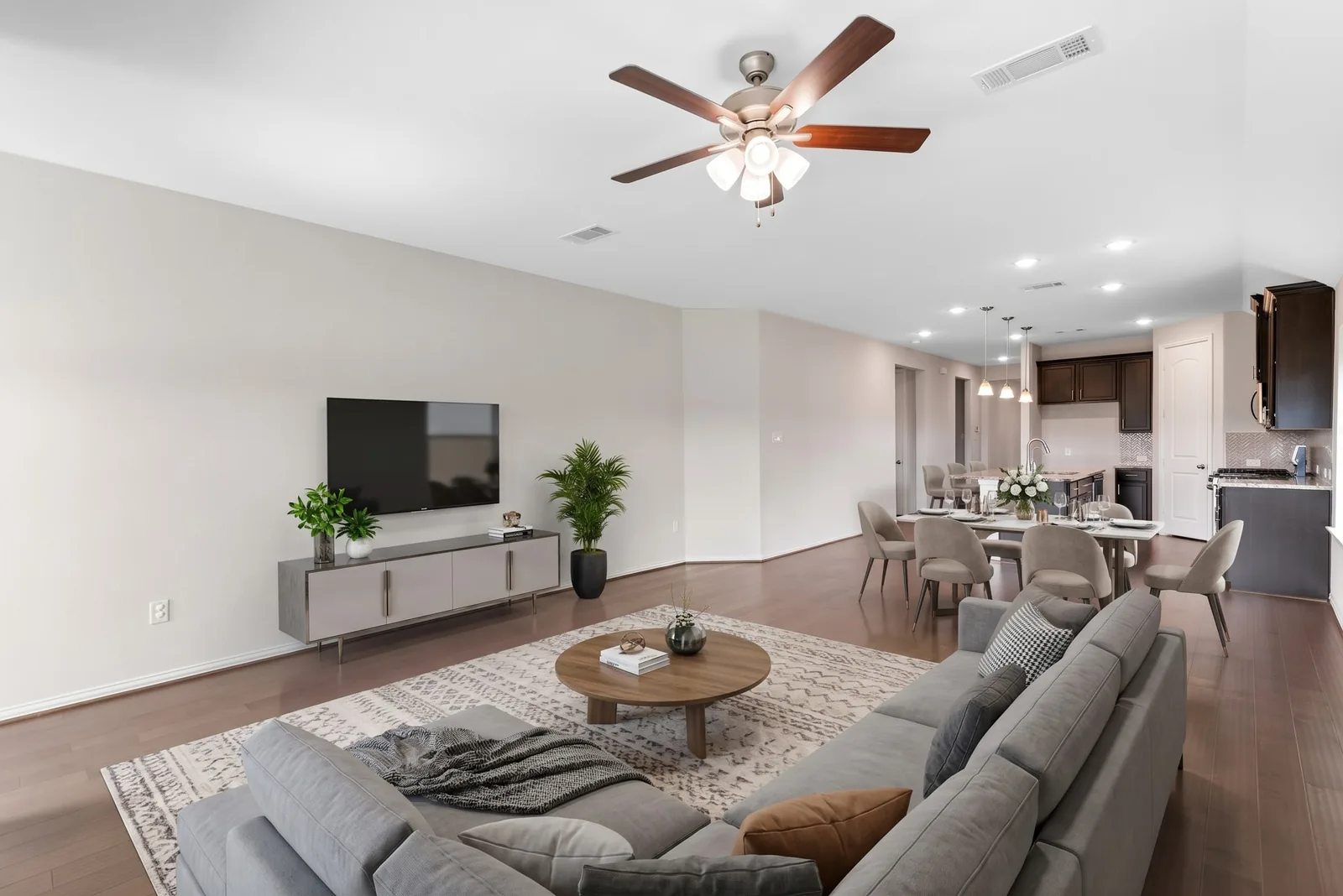
Drag the handle. A real result from the seller portal — living & dining room, Modern style.
Furnish a bare room in six styles, turn a daytime exterior into twilight, and fix grey skies and dark corners — in about 30 seconds a photo, right from your seller portal. Included in your flat $99 listing fee.
- About 35 edits per listing
- Labeled for the MLS
- Originals always kept
Try it yourself
Pick a style. Watch the room change.
Every image here is a real result from the AI tools sellers use in their portal. Switch the style, try another room, or flip through the other edits.
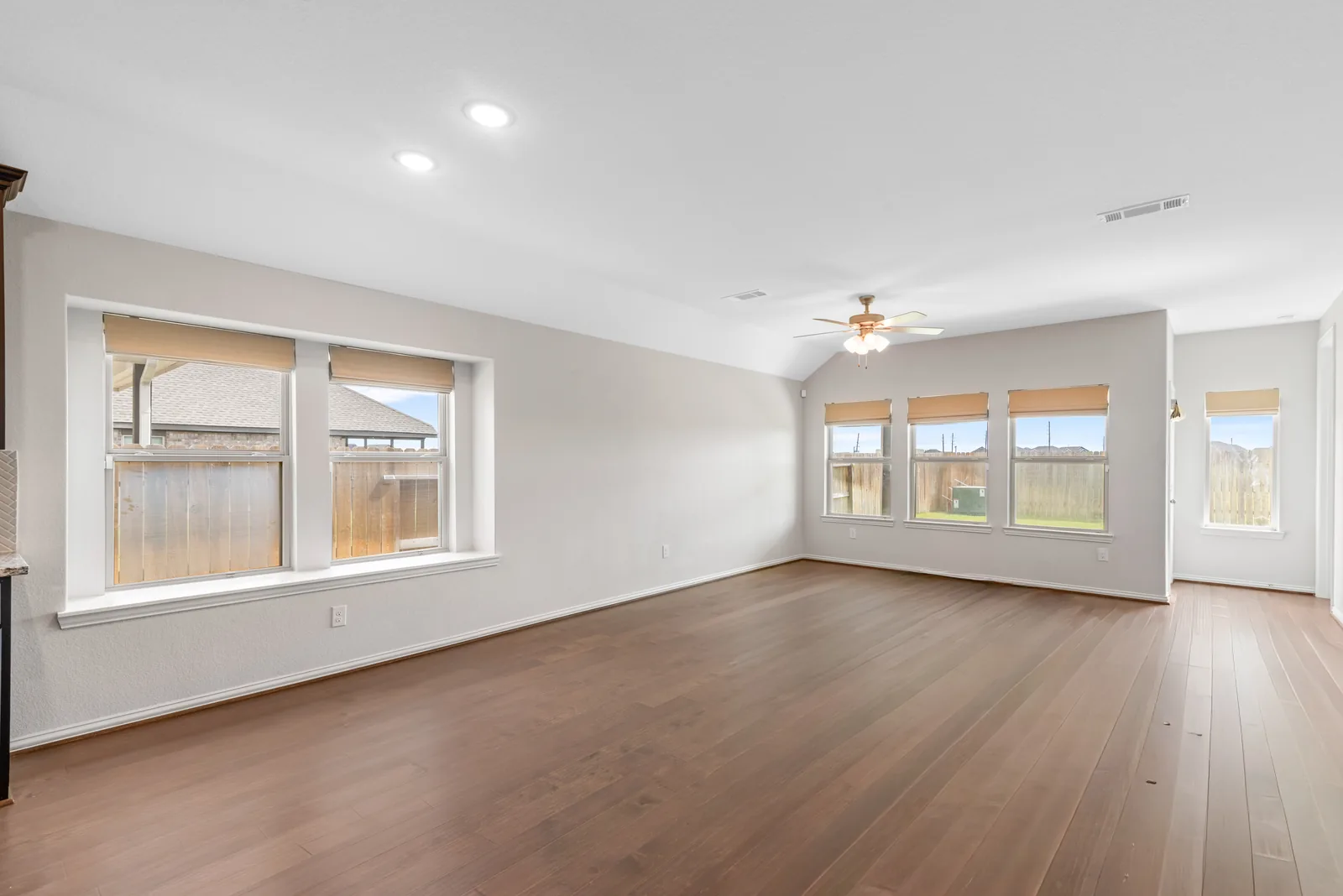
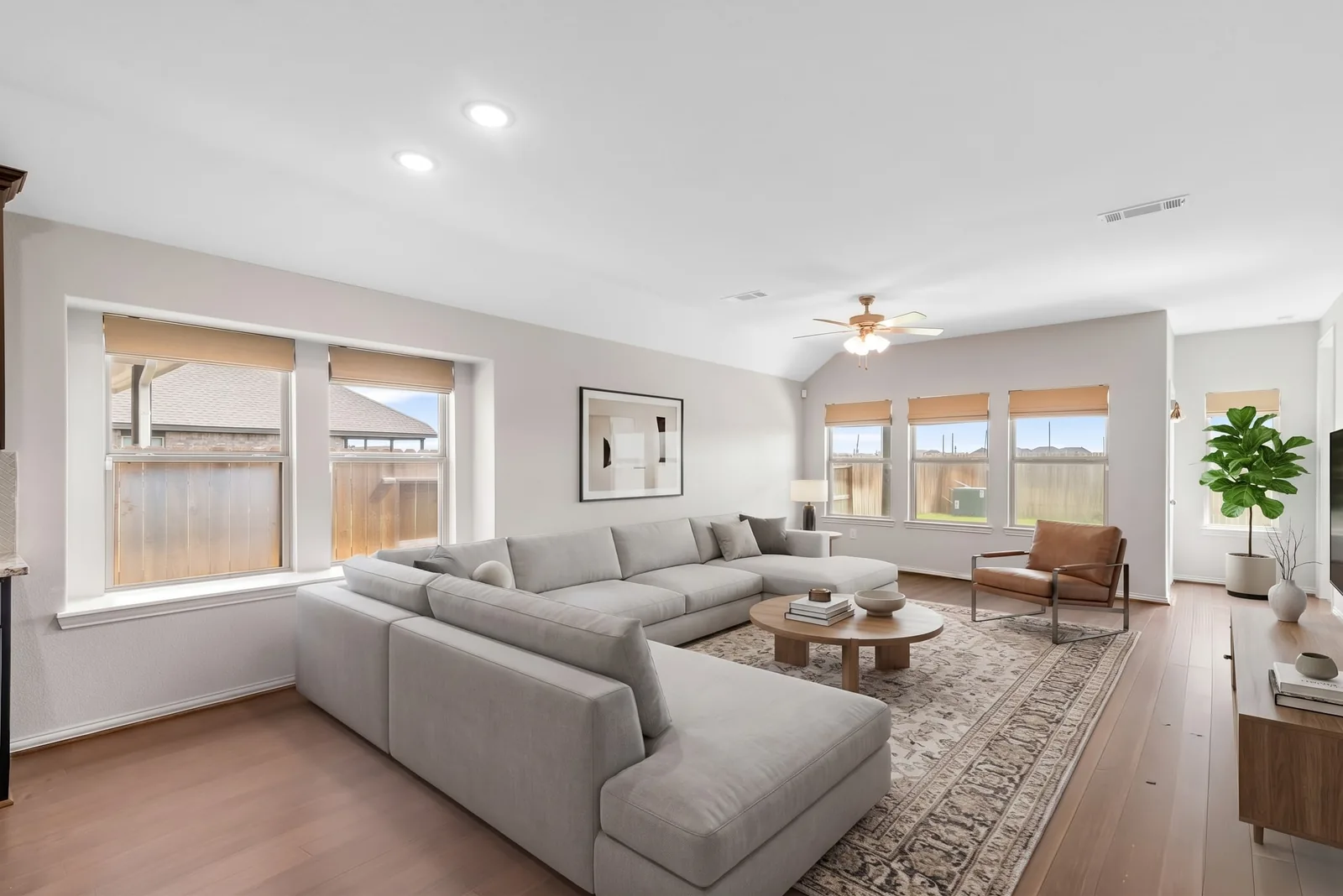
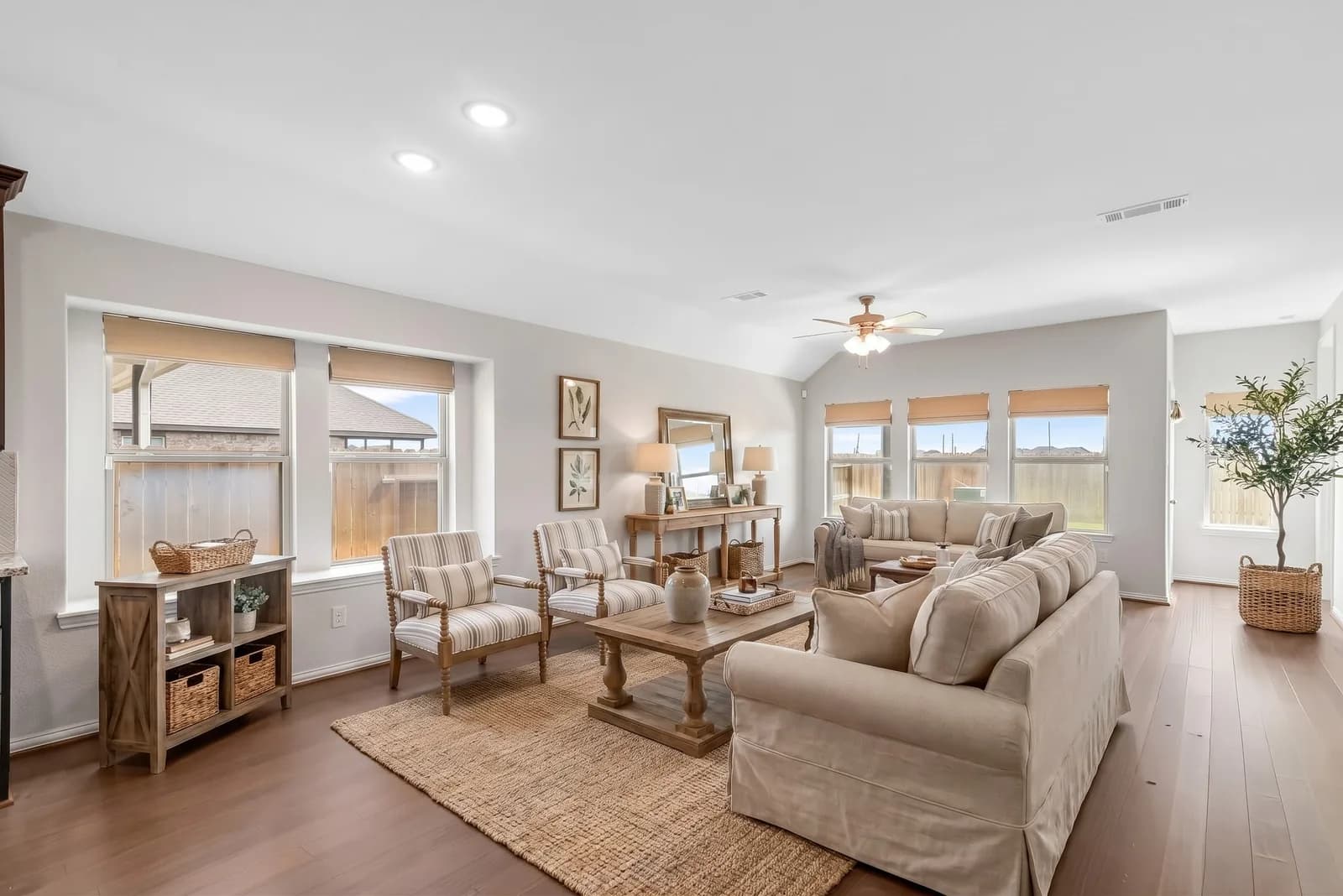
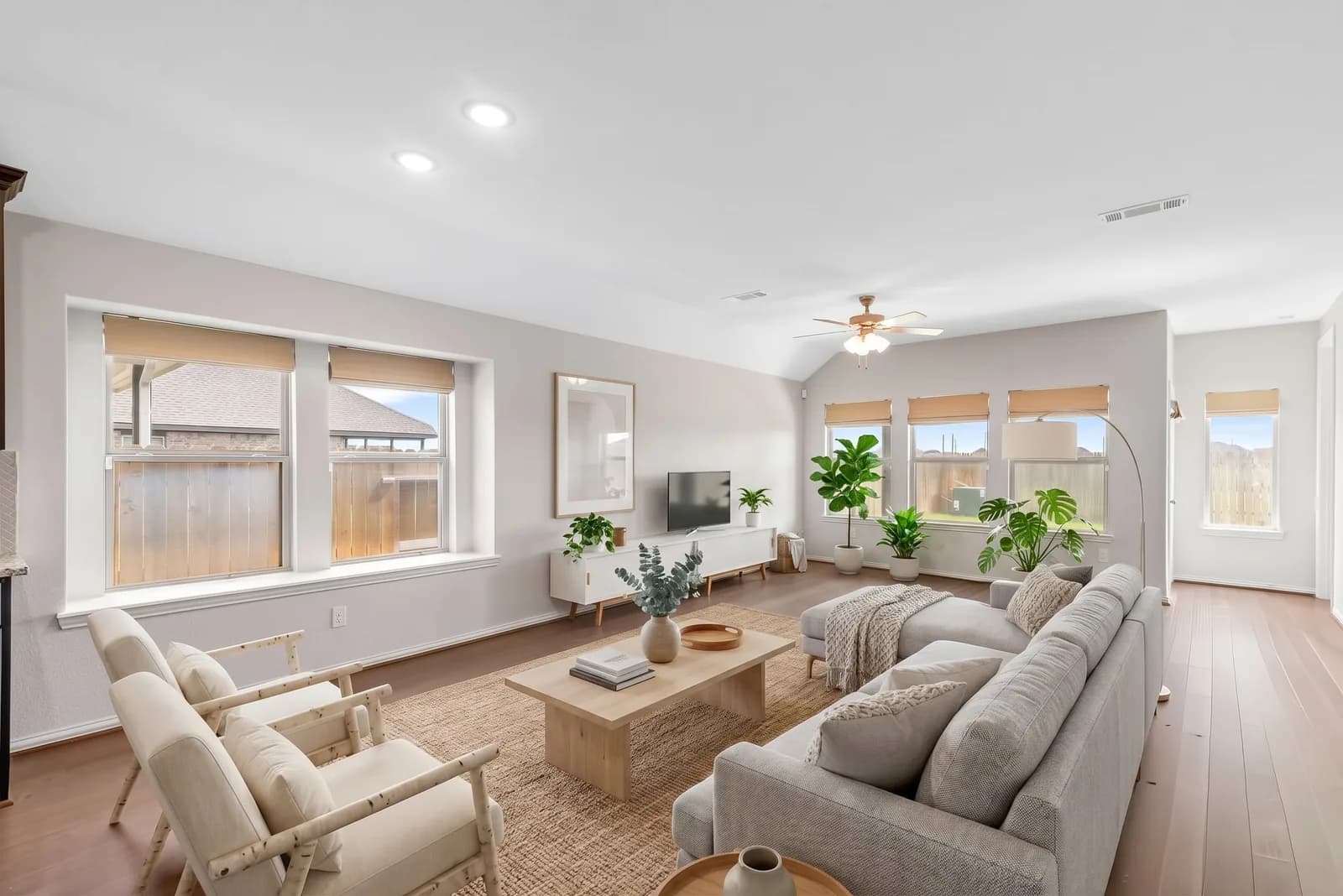
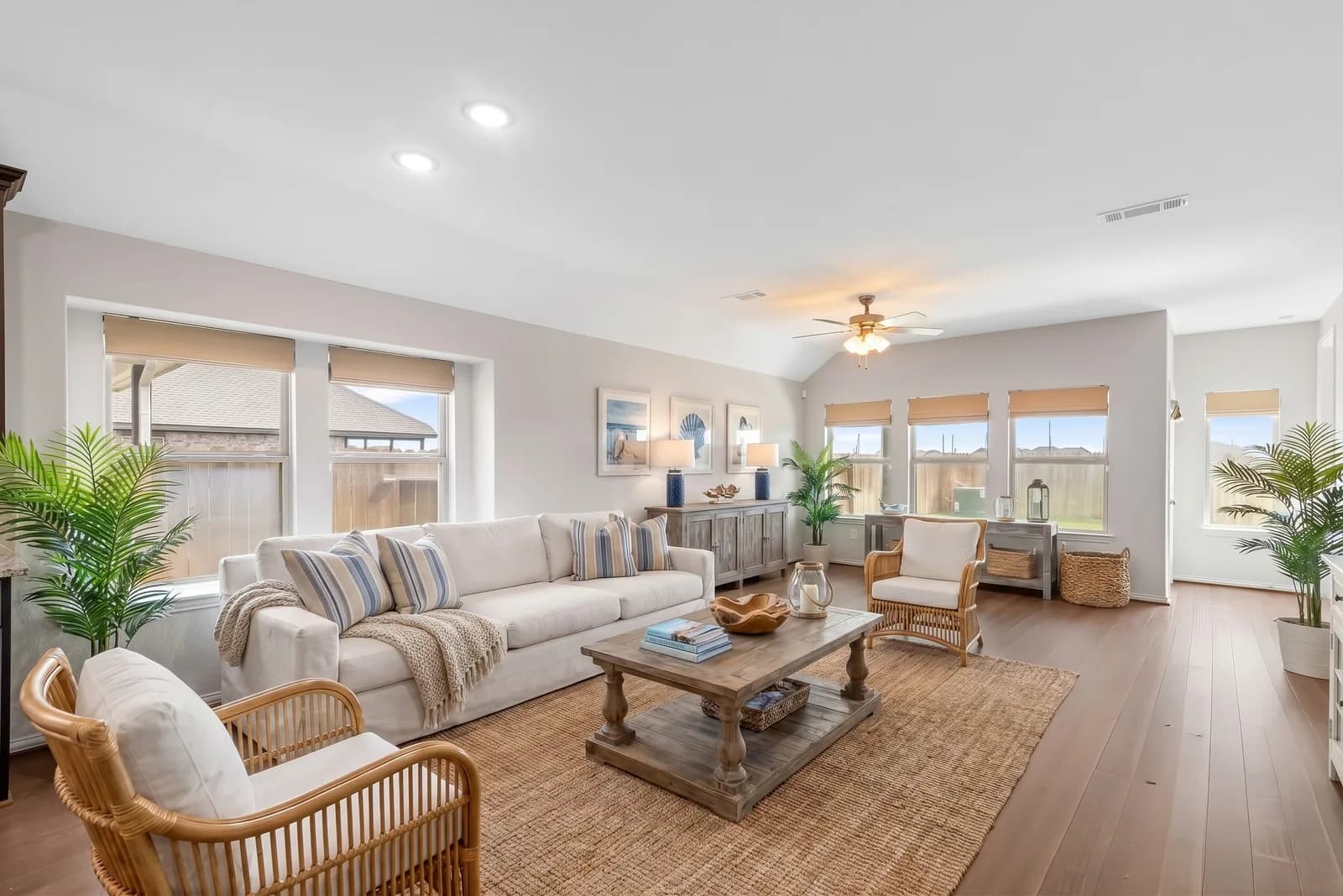
Drag the handle, or tap anywhere on the photo.Drag or tap the photo.
Staging styles
Six styles. Pick one per photo.
Match the furniture to the home and the buyer you expect — or stage the same room twice and keep the one you like. Each example below is a real AI result from the seller portal.
 Modern
Clean lines and a calm, neutral palette.
Family room
 Transitional
Classic shapes with a fresh, modern finish.
Entry hall
 Farmhouse
Warm wood, soft whites and relaxed comfort.
Family room
 Scandinavian
Light woods, airy and pared back.
Family room
 Traditional
Rich tones and timeless furniture.
Entry hall
 Coastal
Breezy blues and natural textures.
Family room
Before & after
Real rooms. Real results.
Hover any photo to see the full AI result — or tap to open it in the interactive demo.
- BeforeModern
Family room · Modern
Virtually Staged
- BeforeFarmhouse
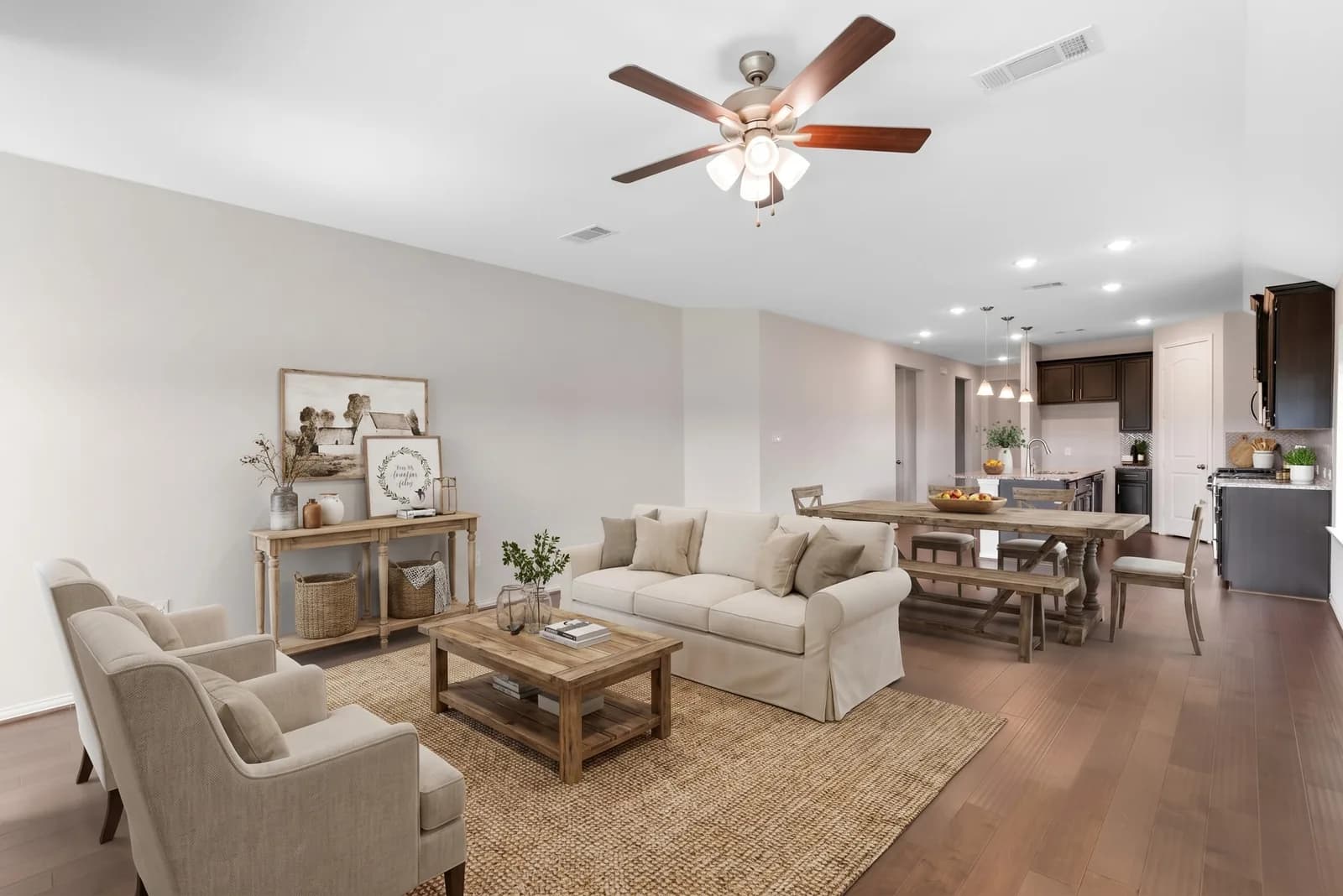
Living & dining room · Farmhouse
Virtually Staged
 BeforeTransitional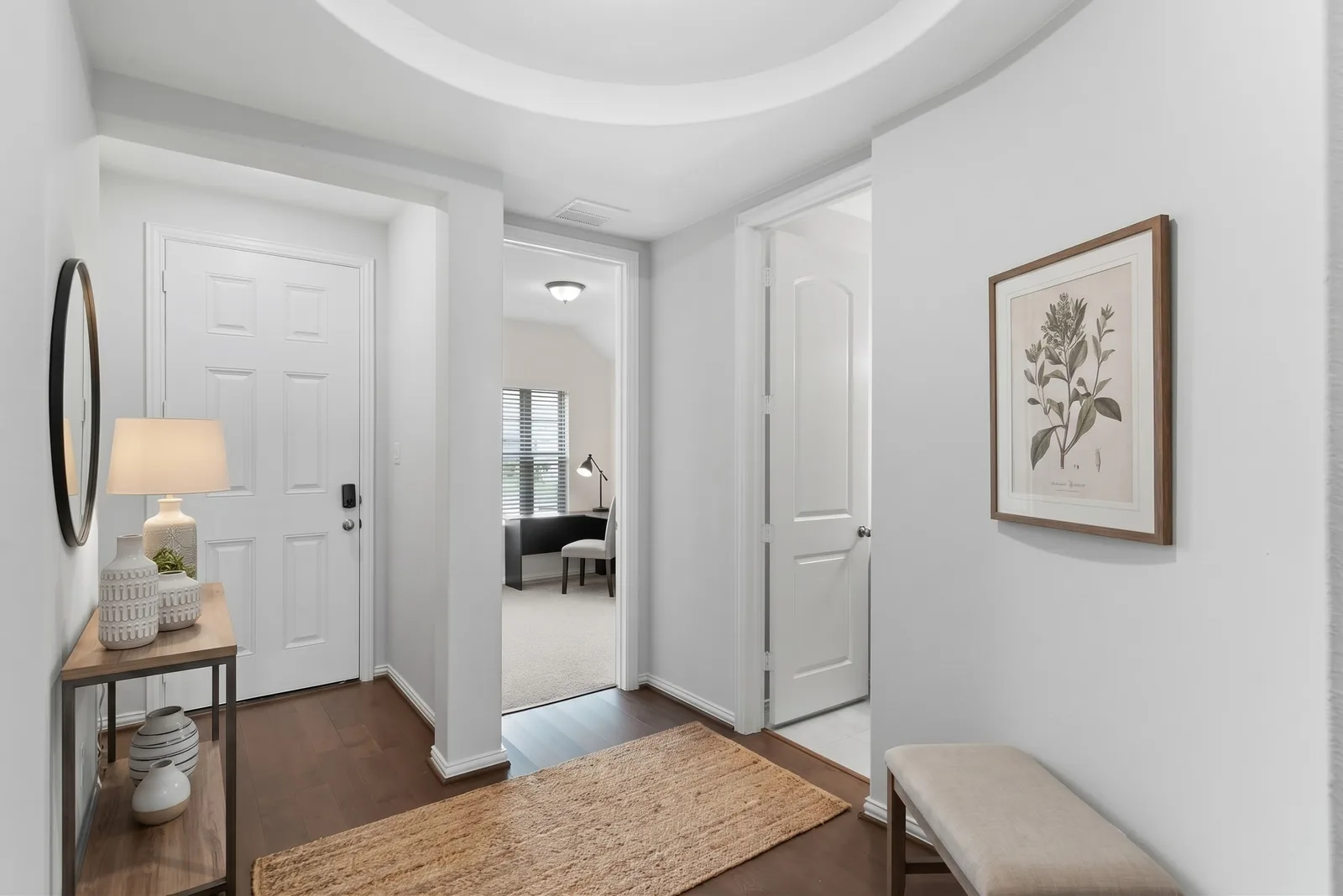
Entry hall · Transitional
Virtually Staged
 BeforeModern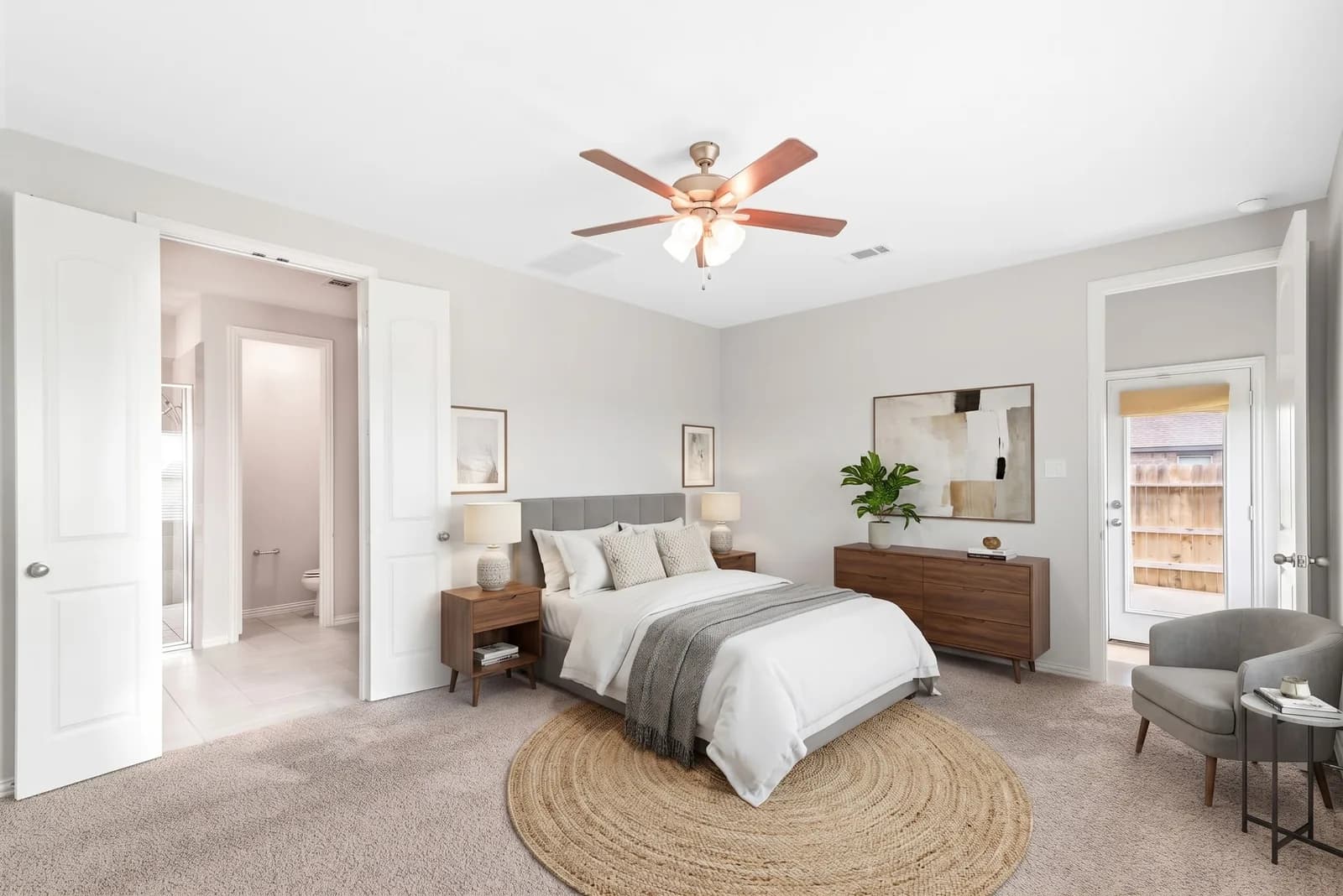
Primary bedroom · Modern
Virtually Staged
 BeforeTraditional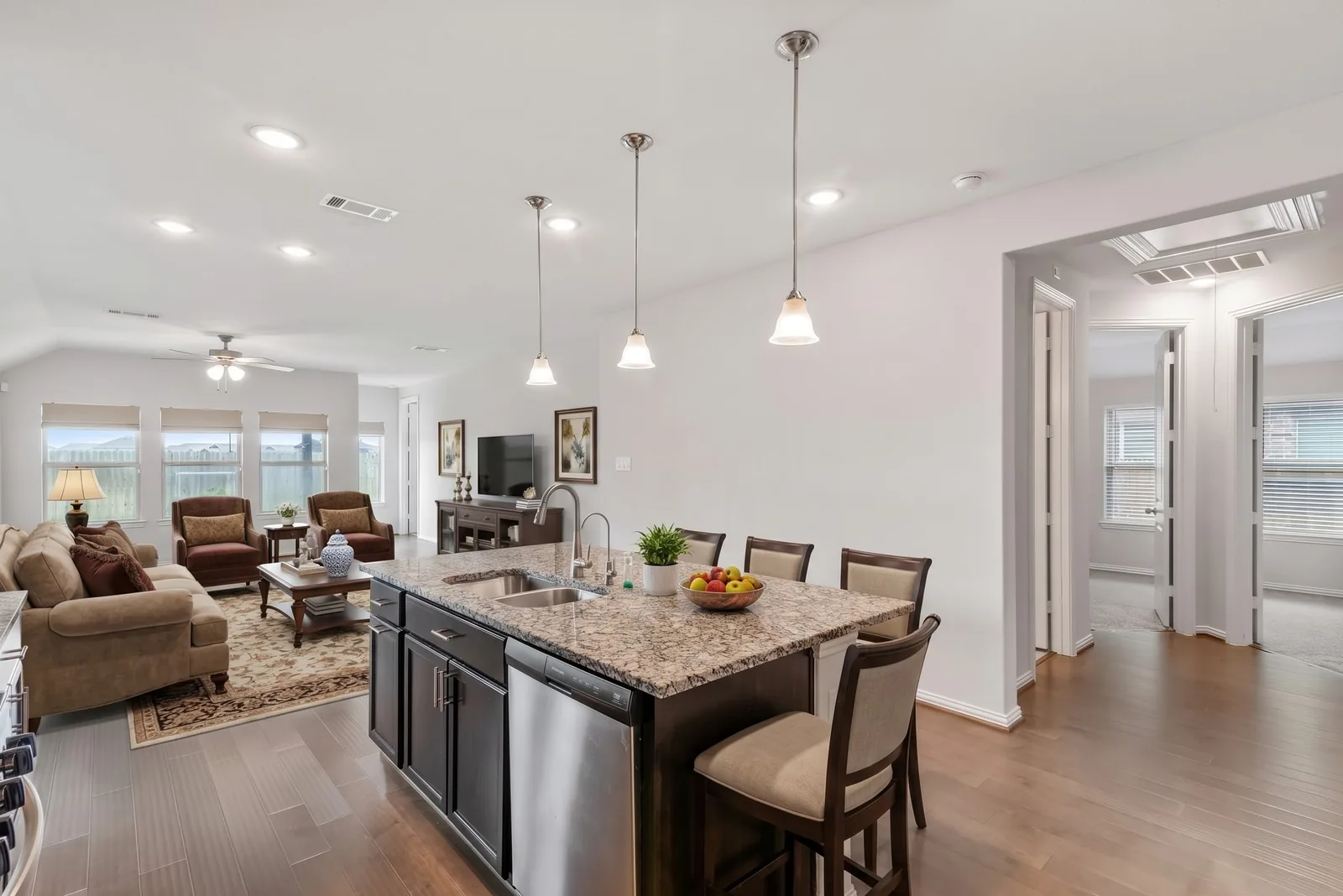
Kitchen & living area · Traditional
Virtually Staged
 BeforeFarmhouse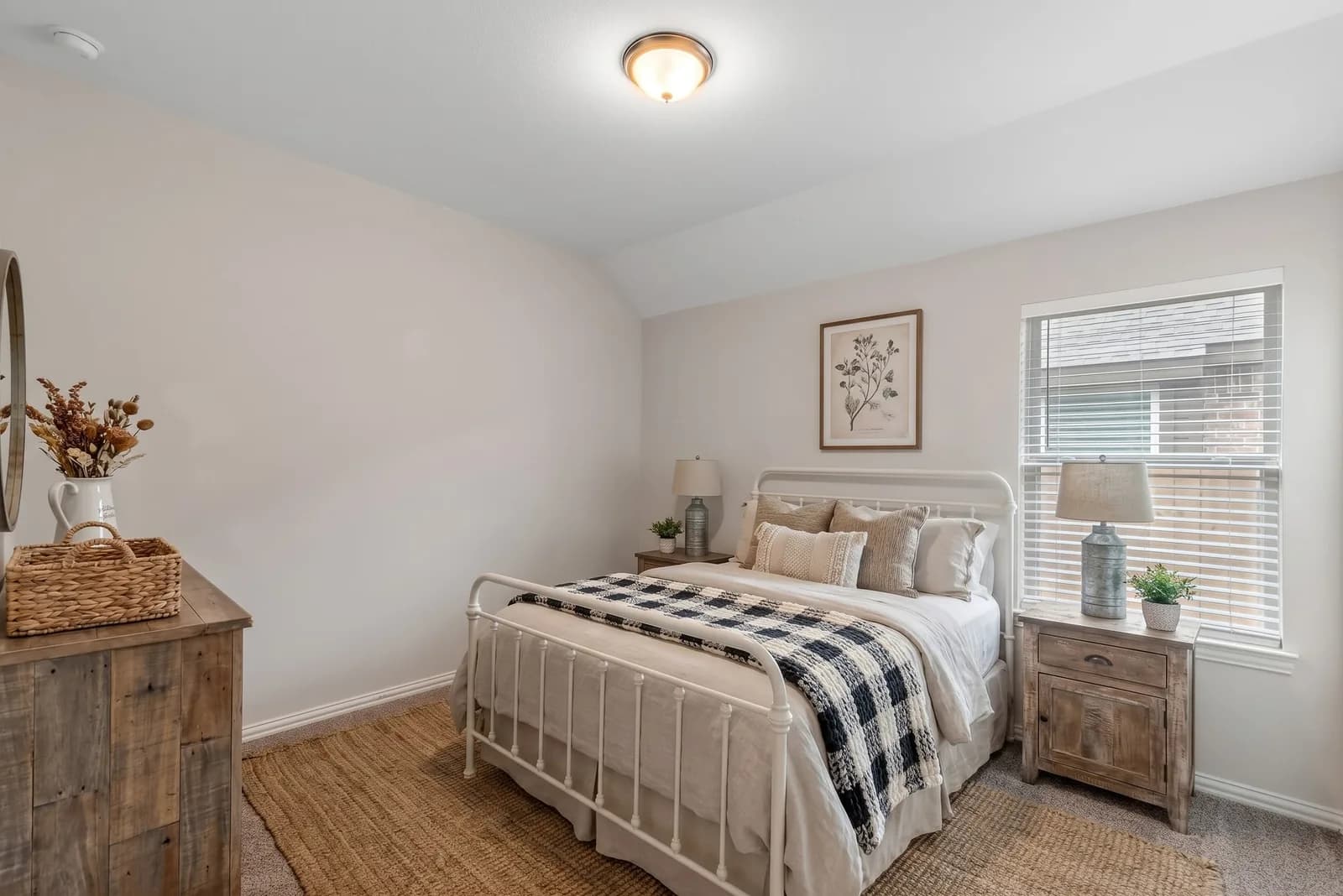
Bedroom · Farmhouse
Virtually Staged
 BeforeModern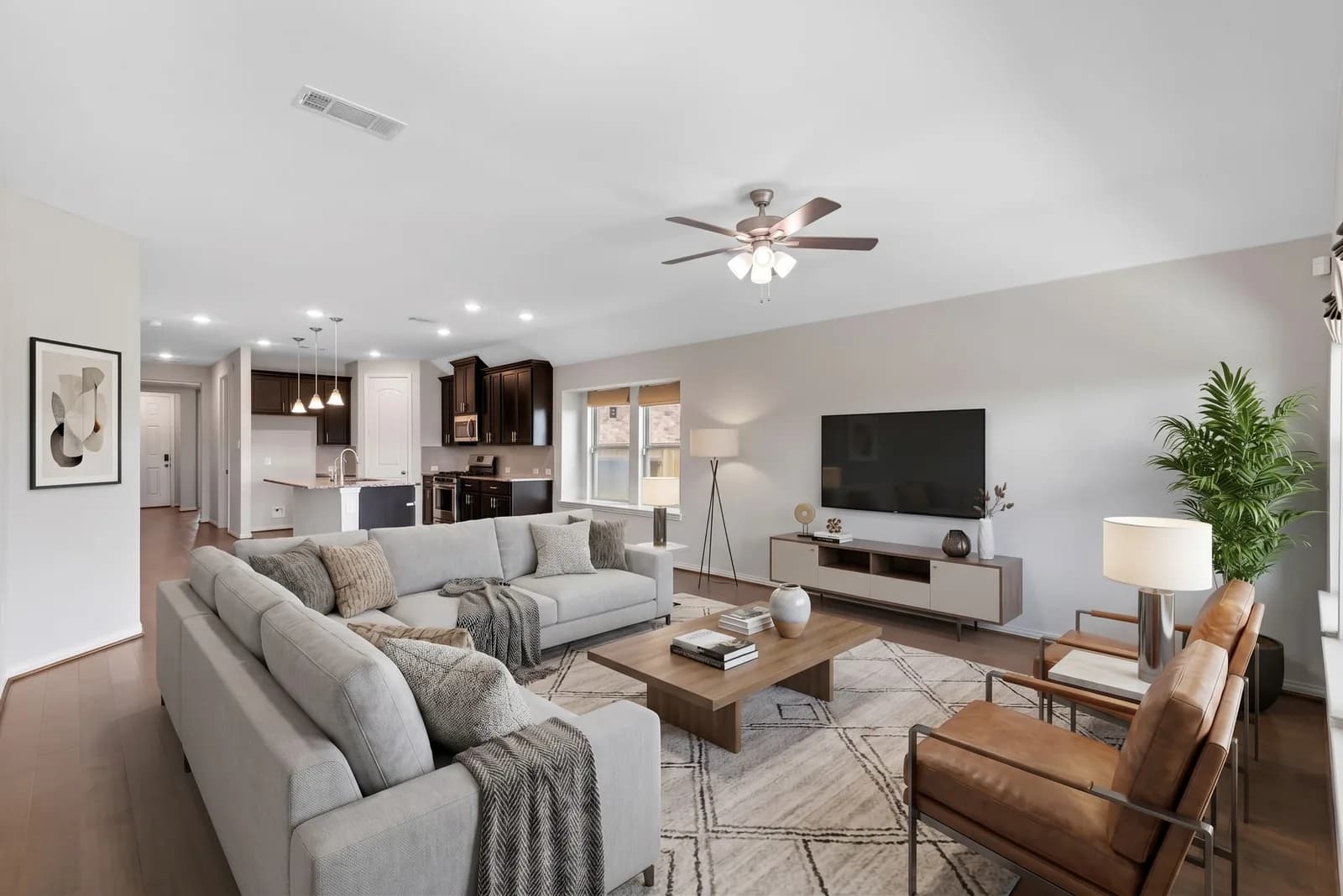
Living room · Modern
Virtually Staged
 BeforeCoastal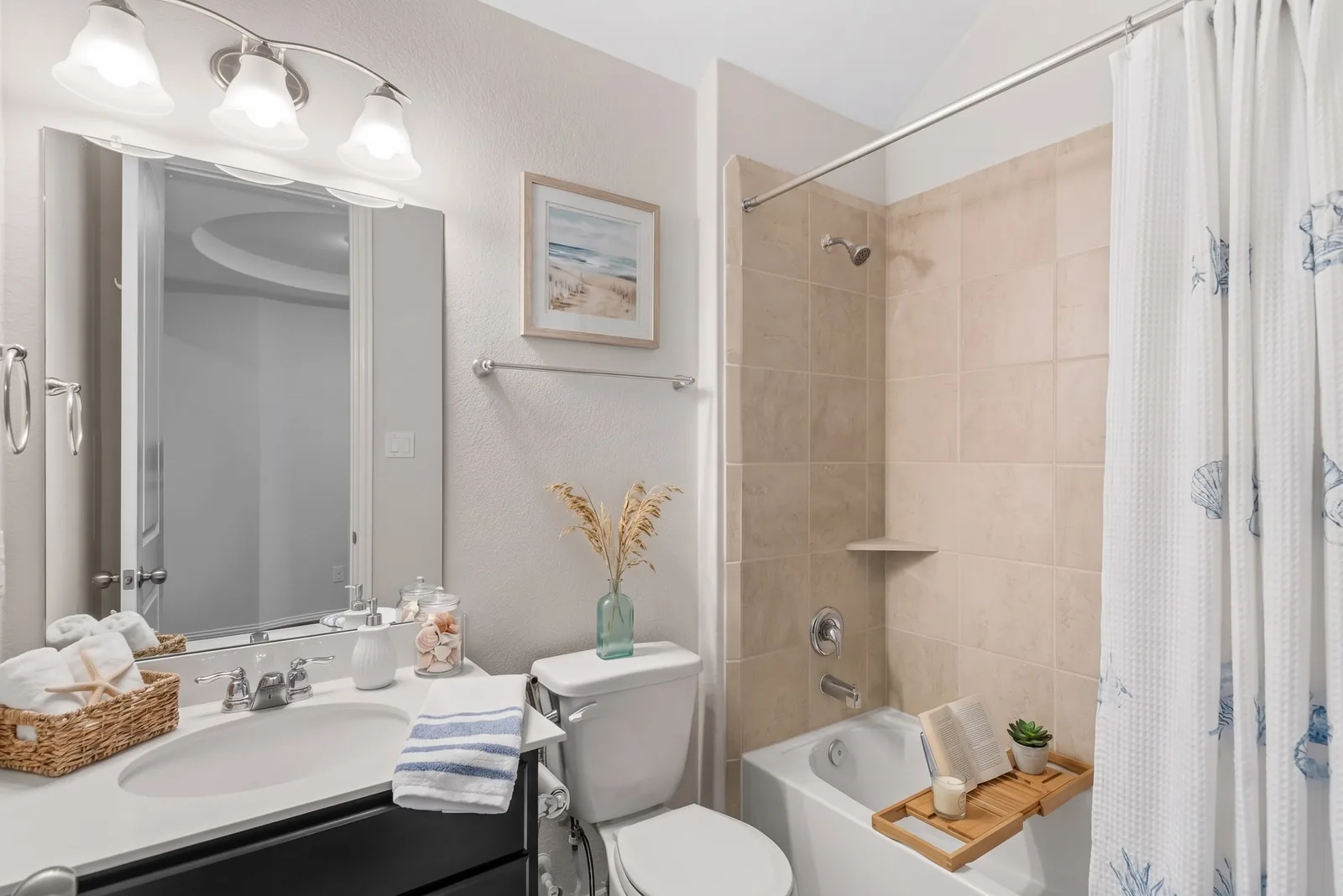
Bathroom · Coastal
Virtually Staged
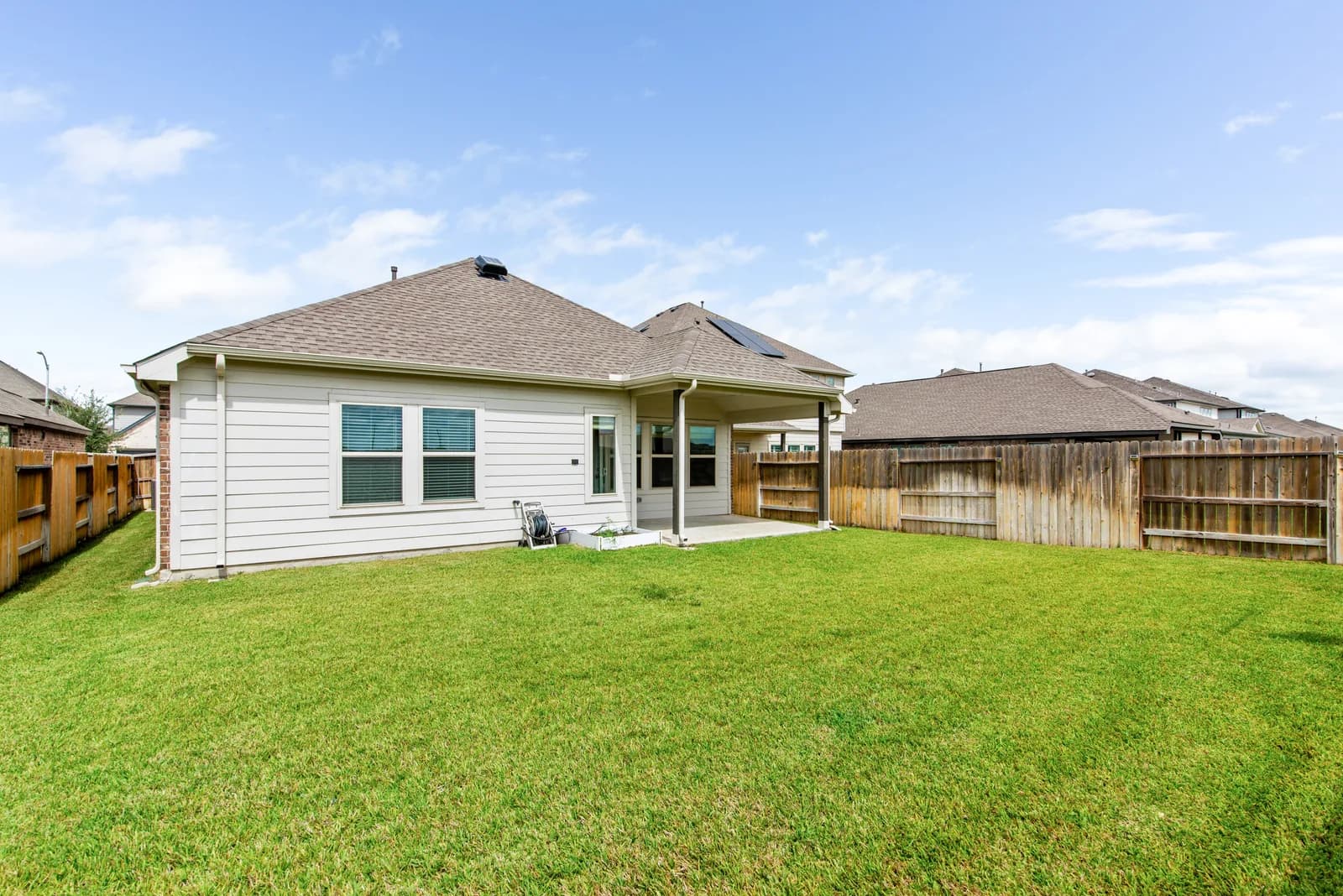 BeforeAfter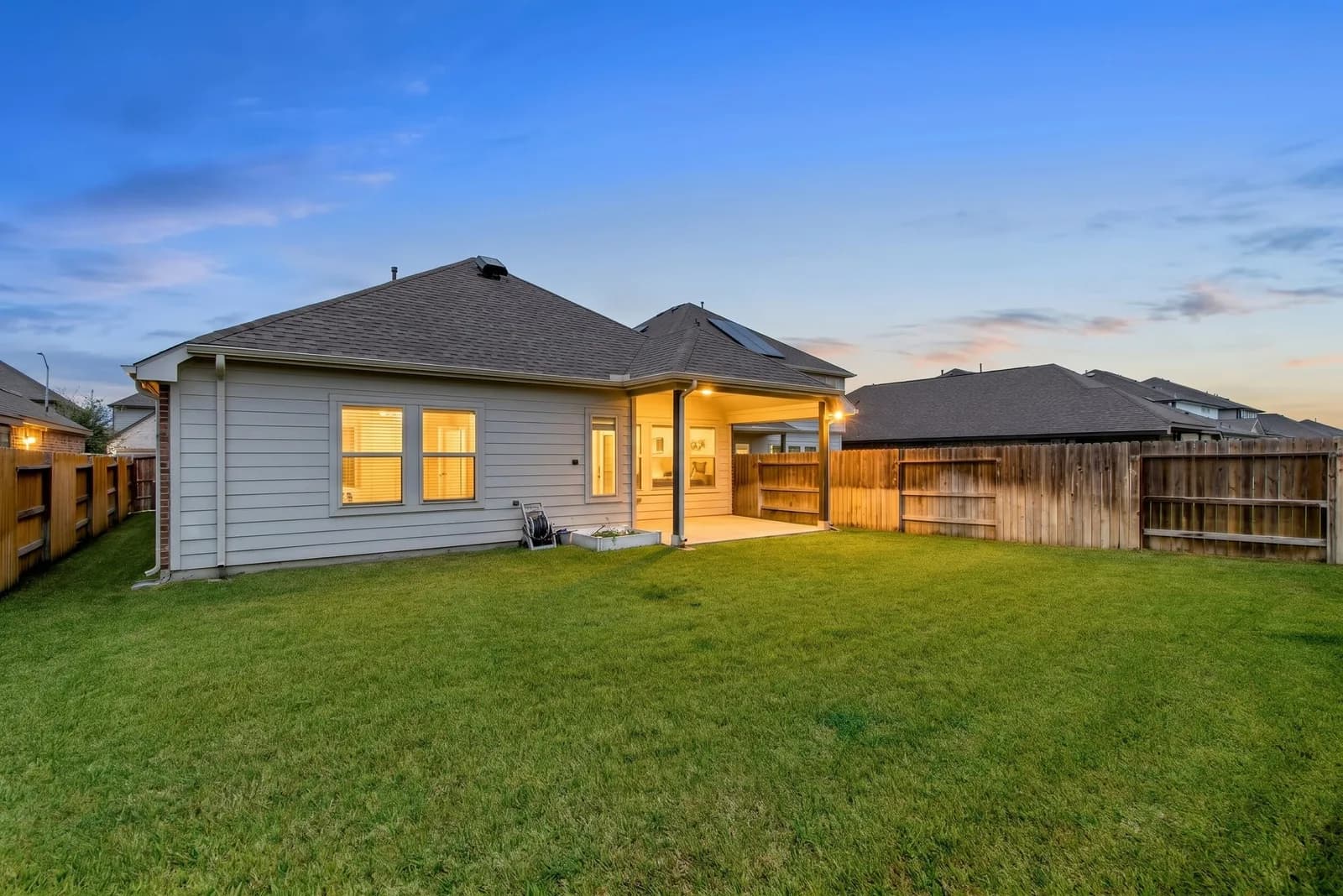
Backyard · Virtual twilight
Digitally Altered
What you can do
Five AI edits. One tap each.
Virtual staging
Furnish an empty or sparse room in the style you choose.
Buyers see how big the room is and how they'd live in it, instead of bare walls.
MLS label: Virtually Staged
Virtual twilight
Turn a daytime outside shot into dusk — deep blue sky, glowing windows and porch lights.
The warm, lit-up dusk look that makes a listing stop the scroll.
MLS label: Digitally Altered
Blue sky
Swap a grey or overcast sky for a clear one on outdoor shots.
One cloudy day doesn't get to decide your listing's first impression.
MLS label: Digitally Enhanced
Enhance light & color
Brighter, balanced, true-to-life color, with light glare removed. Nothing in the room changes.
Dark corners and glare fixed, without changing a thing in the room.
MLS label: Digitally Enhanced
Declutter
Remove personal items and clutter. Furniture and the room stay.
Clean counters and tidy rooms, without a weekend of packing first.
MLS label: Digitally Altered
Six staging styles
Modern · Transitional · Farmhouse · Scandinavian · Traditional · Coastal
Stage the same room more than once and keep the one you like.
See all six →How it works
From bare room to listing photo in a minute.
- 01
Upload your photos
Add up to 50 photos in the Photos step of your seller portal.
- 02
Pick an edit
Tap Edit on any photo and choose virtual staging (in one of six styles), twilight, blue sky, light & color, or declutter. Results take about 20–40 seconds.
- 03
Compare, then choose
Drag to compare the result with your original, then choose which version goes on your listing. You can switch back to the original any time.
Honest by design
Better photos. Never a different house.
Buyers who feel misled by listing photos walk away at the showing. Every edit is built to make your home look its best — not to make it look like something it isn't.
Built to keep the room
The AI is instructed to keep walls, floors, windows, doors, fixtures, layout and camera angle exactly as they are. Staging adds furniture and decor — nothing structural.
Nothing gets hidden
The AI is told never to remove or repair cracks, stains, water damage or wear — or power lines, neighboring buildings and anything else a buyer should know about.
Every edit is labeled
“Virtually Staged”, “Digitally Enhanced” or “Digitally Altered” travels with the photo to your broker, as MLS rules require.
Your original is never replaced
Every edit is saved as a new version next to the original. Switch between them, or go back to the original, in one tap.
You review every edit
AI can make mistakes. Compare every edit with your original before you use it — you choose which version goes on your listing. AI occasionally changes something it shouldn't — a doorway, a light fitting, a house number — so check each result against your original, and only use photos that show your home as it really is.
The usual options
Staging, without the bill.
| Compare | Furniture staging | Per-photo staging service | Lone Star AI staging |
|---|---|---|---|
| Cost | Rental and movers — often thousands | A fee for every photo | Included in your $99 flat fee |
| Turnaround | Days to arrange | Usually hours to days | About 20–40 seconds |
| Change your mind | Re-rent and re-move | Pay again | Pick another style, free |
| MLS label | Not needed | Up to you | Added automatically |
Want a photographer too? Add professional photos to any listing — then stage those with AI.
AI virtual staging — common questions
What's included, what's allowed on the MLS, what the AI should and shouldn't change — and why you review every edit.
Is AI virtual staging free with Lone Star Flat Fee MLS?
Can AI virtual staging make mistakes?
Is virtual staging allowed on the MLS in Texas?
What AI photo edits can I make on my listing photos?
Does AI staging change my home's walls, floors or windows?
What virtual staging styles can I choose from?
How long does AI virtual staging take?
What photos work best for AI virtual staging?
Can I go back to my original photo after an AI edit?
Ready when you are
List your Texas home. Keep the commission.
Enter your address. Live on the MLS in 24 hours.
Prefer the full-service route? See all packages